Scan the code on the machine
Every station gets its own QR code and a photo of your equipment, with its own training and answers.
Book a walkthroughThe problem
The person who knows how to light the pizza oven is not on tonight.
The manual is in a drawer and nobody knows which drawer.
What it does
- Gives each machine or station a QR code and a photo.
- Opens that station's training, questions and answers, and troubleshooting.
- Keeps Ask Larder and a near miss report one tap away.
How it works
Step 1
Print the label
You create a station and print its QR label from the owner screen. Stick it where it is needed.
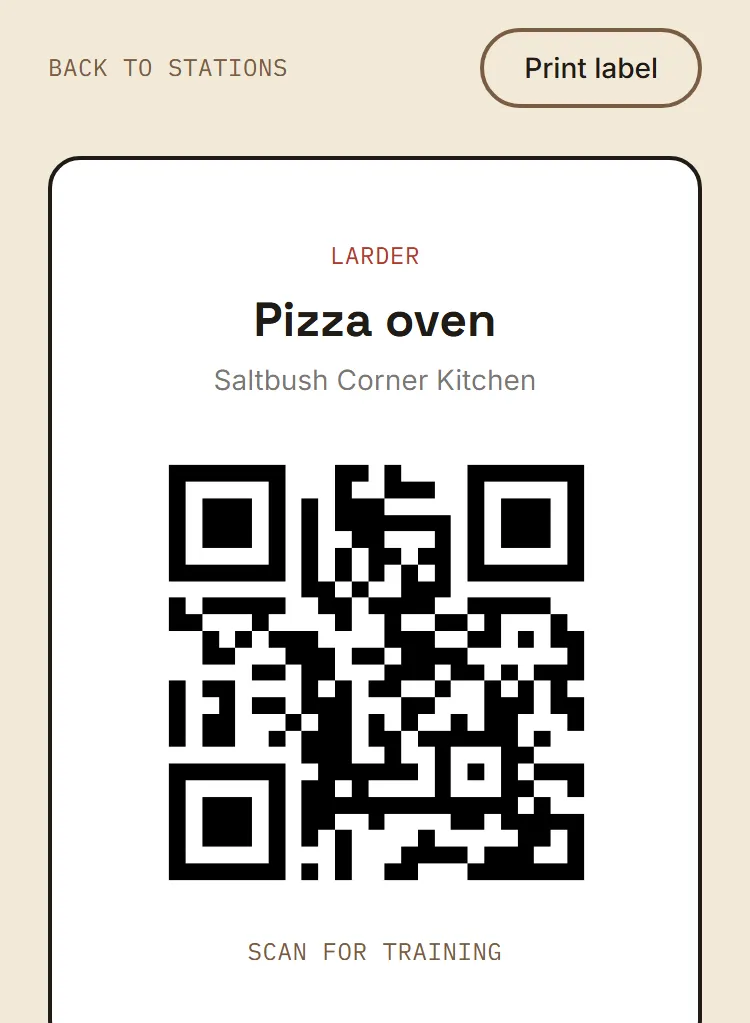
- Scan opens this station
Step 2
Staff scan on the floor
Scanning opens that station's page with its training, questions and answers, and troubleshooting.
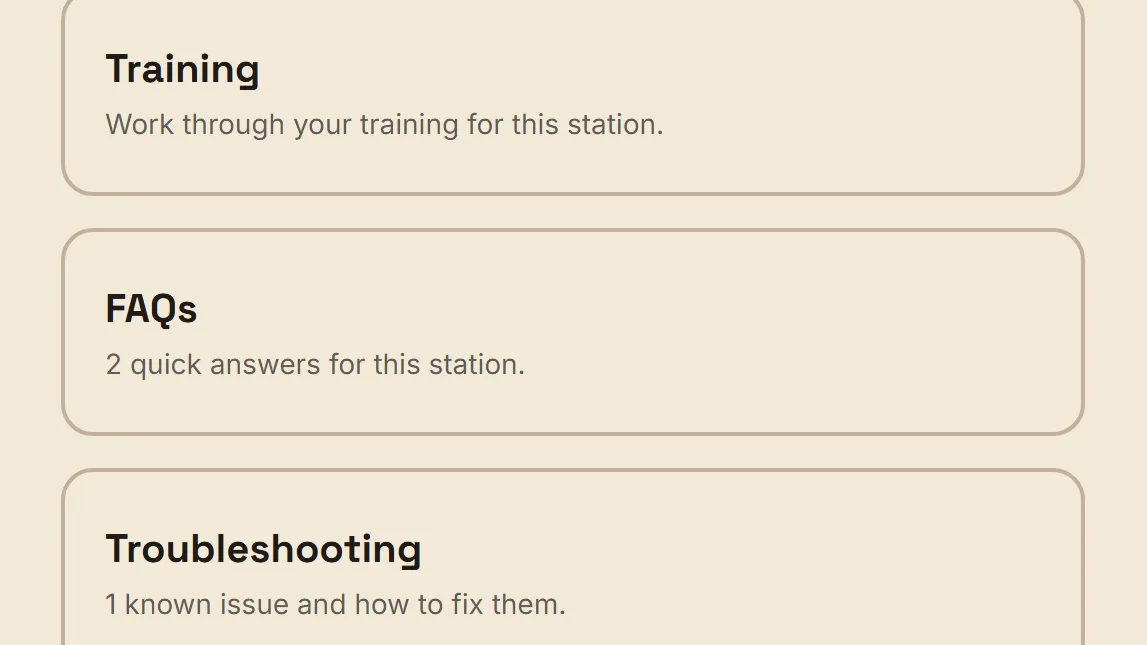
- Training for this station
Step 3
Report a hazard on the spot
Staff tap Something felt unsafe and send a near miss report in a few taps, named or anonymous.
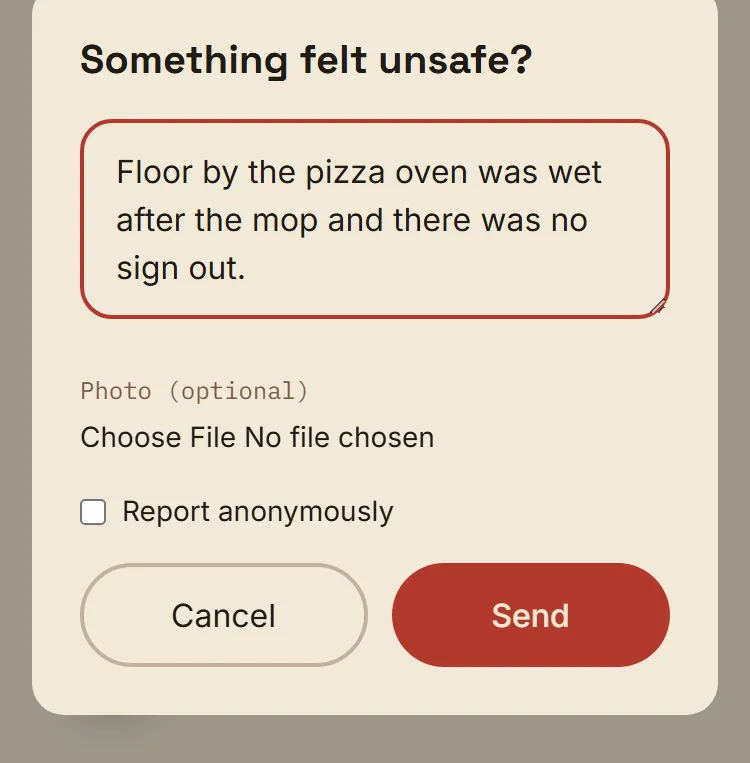
- Named or anonymous
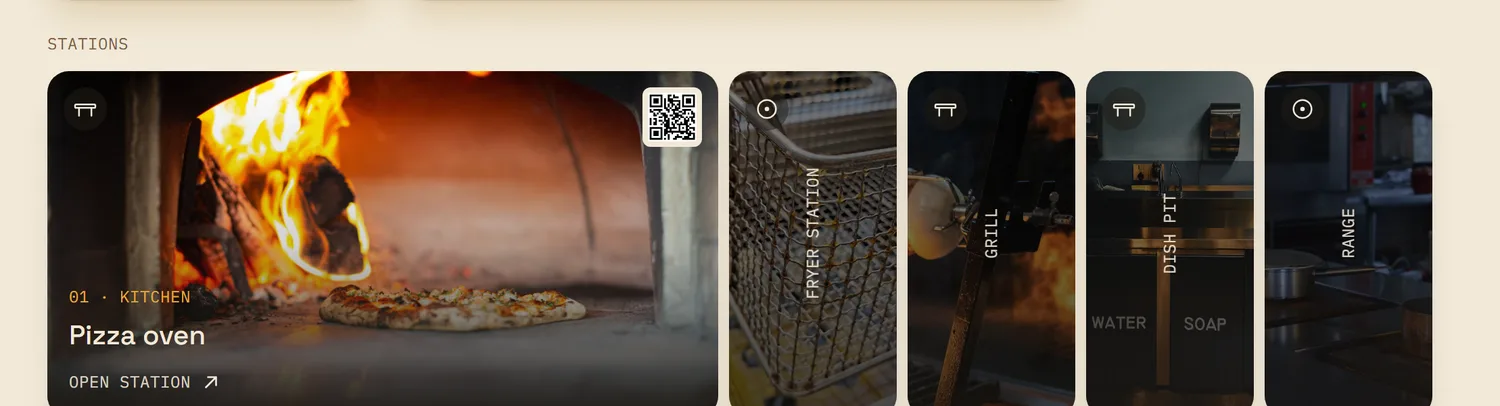
See every station on the dashboard
Owners see each station with its photo and QR code in the station gallery.
How it helps
For the owner
Station knowledge stays with the equipment, not with one person.
For the new hire
A new hire at an unfamiliar machine scans, reads and gets on with it.
Related features
Answers mid shift, from your own procedures. See how Ask Larder works
A new hire asks a question and gets your venue's steps, at any hour.
Training built from your own procedures. See how training and approval work
Role based modules with check questions. Nothing goes live until you approve it.
Questions owners ask
Do staff need to install anything?
No. Larder runs in the browser on the iPad or phone staff already have. It needs an internet connection.
Want to see it on your own venue?
Book a walkthrough. We'll bring your own SOPs into it.
Book a walkthrough