Certificates and sign off, in one place
Staff upload their certificates with dates. New hires confirm they understood each module by typing their name.
Book a walkthroughThe problem
An RSA or food handling certificate runs out the week before an inspection and nobody noticed.
FSANZ Standard 3.2.2A, in force since December 2023, means many Australian food businesses need trained staff and records to show it. Larder helps you meet and evidence that. Which parts apply depends on your food business category.
Certificates differ by state. RSA and working with children checks have different regulators and names in each state, so we set them up for the state your venue is in.
What it does
- Lets staff photograph a certificate and enter its dates.
- Shows owners every certificate and when it expires.
- Records a typed name sign off, with the time and device, when a module is completed.
How it works
Step 1
Staff add a certificate
Staff open Your certificates, photograph each one and enter its dates.
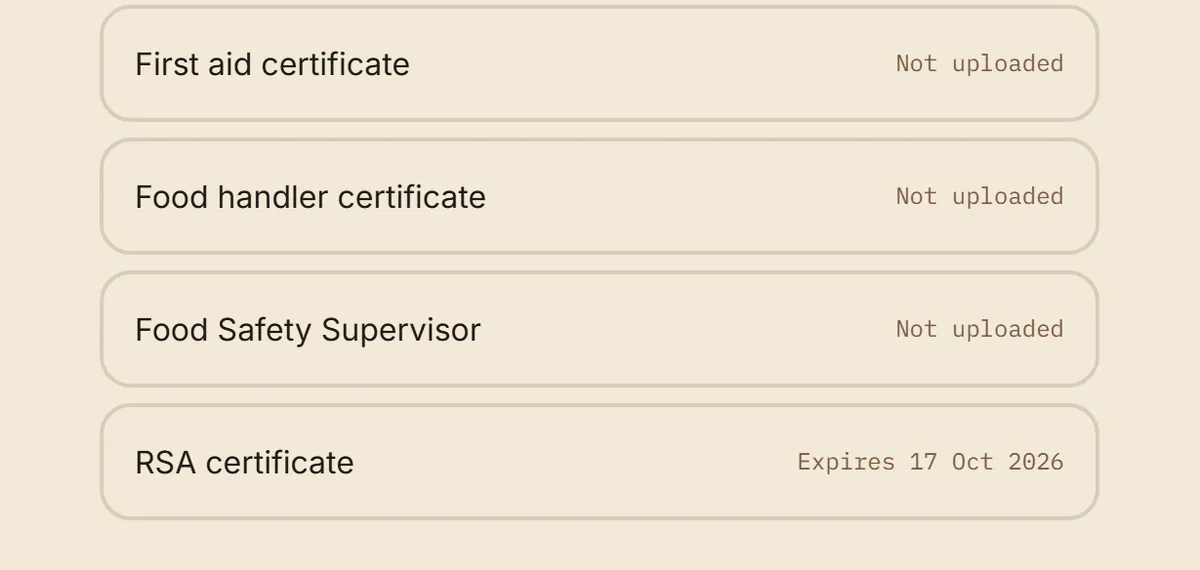
- Each row shows the expiry date once uploaded
Step 2
Owners see what is expiring
The certificate list shows each person, the certificate type and its date, so you can ask for a renewal in time.
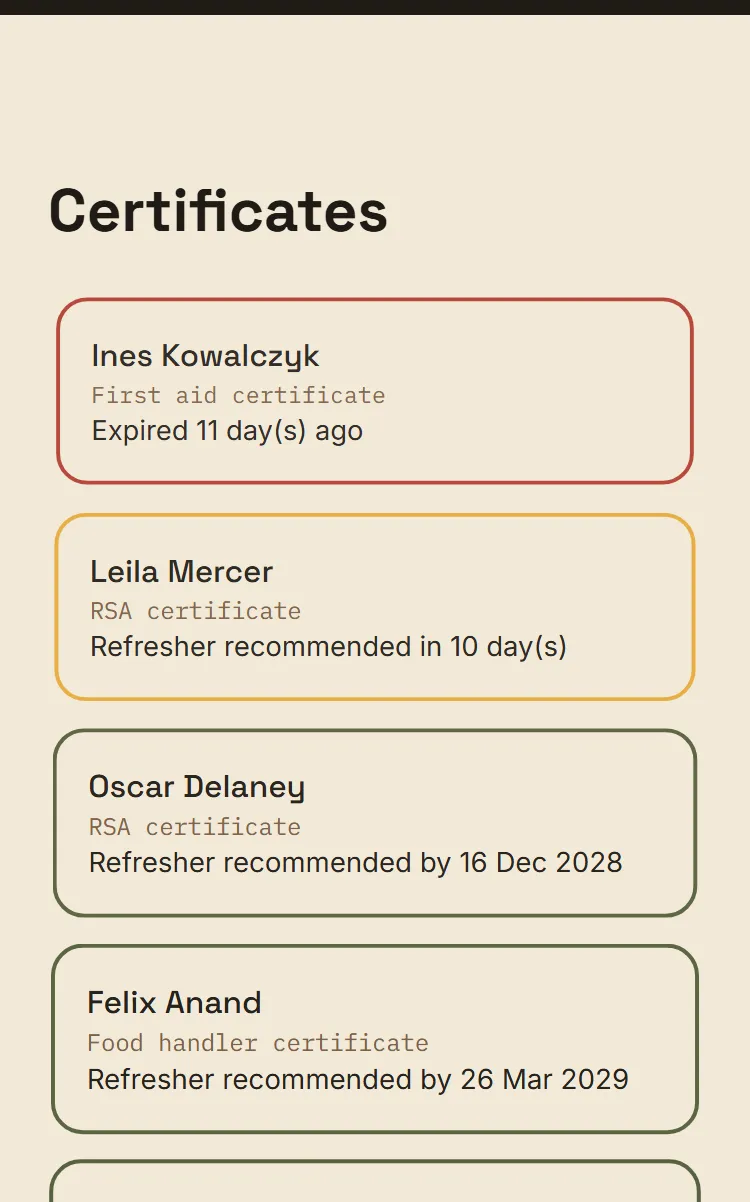
- Already expired
- Refresher soon
Step 3
Staff sign to confirm
At the end of a module a new hire types their full name. Larder records when, and from which device. It is a comprehension check, not a contract.
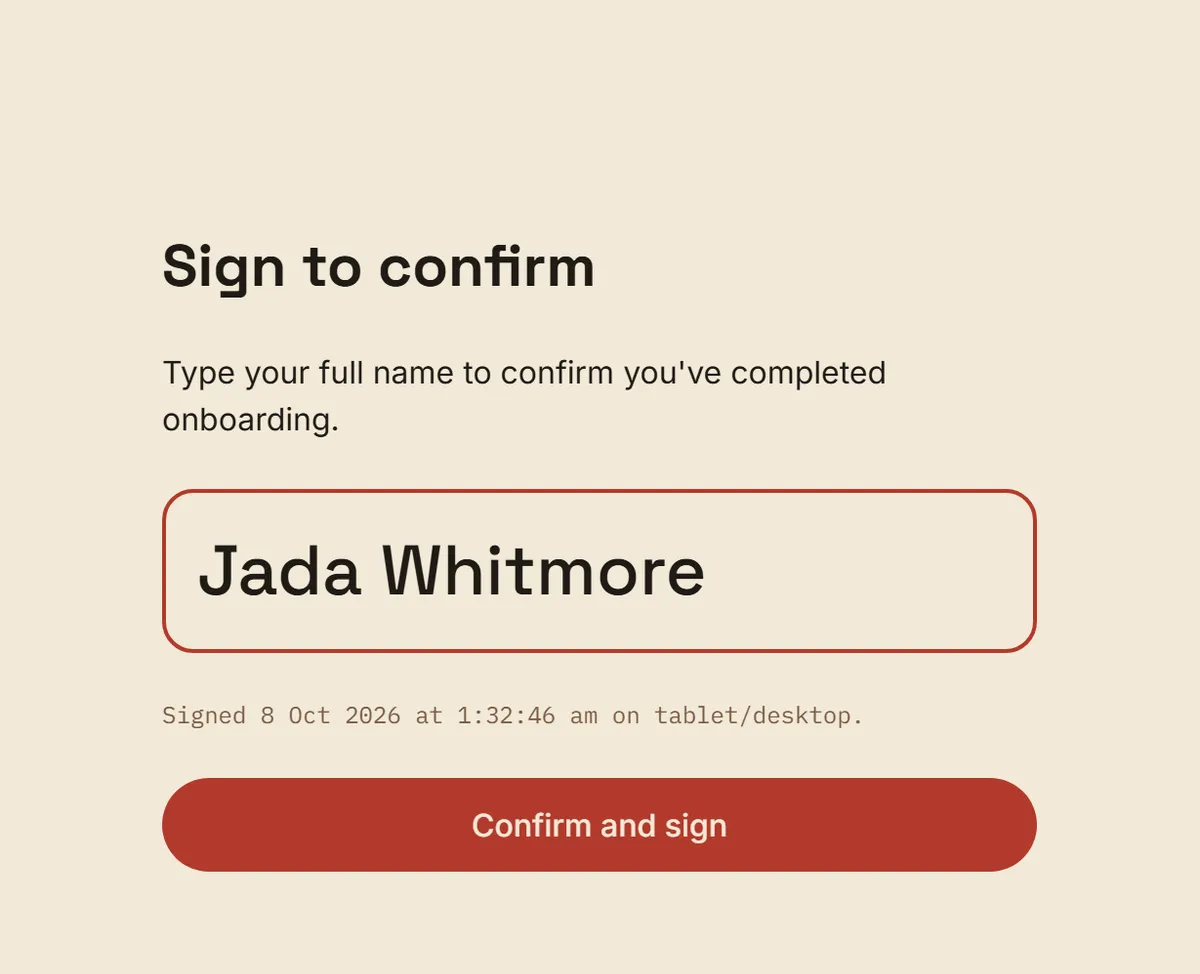
- Typed name, time and device
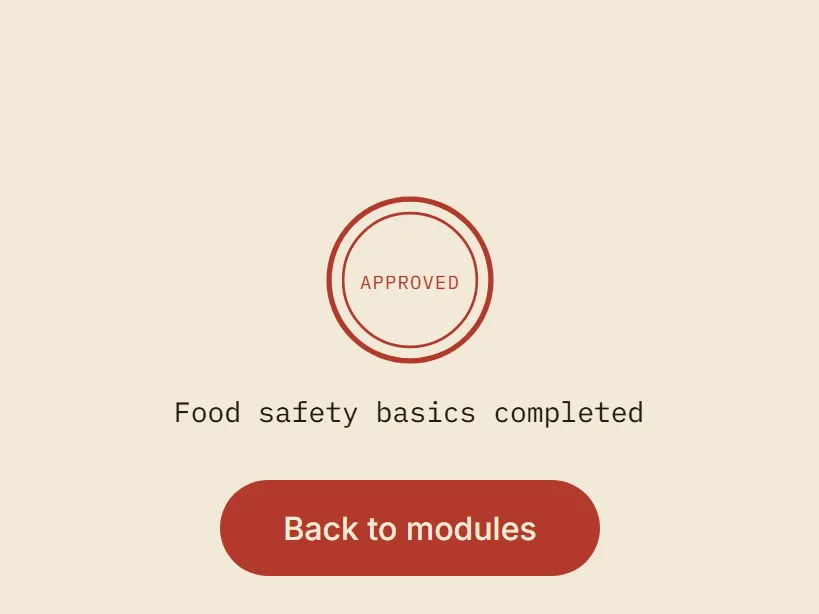
The Stamp marks a completed module
Once the sign off is recorded, the completion screen shows the Stamp.
How it helps
For the owner
You see expiring certificates before they become a problem, and you hold a dated record that each hire confirmed their training.
For the new hire
A new hire knows which certificates to upload and what they have signed for.
Related features
Training built from your own procedures. See how training and approval work
Role based modules with check questions. Nothing goes live until you approve it.
One screen for the whole venue. See what the owner dashboard shows
Completions, certificates, failed readings and near misses together.
Questions owners ask
Is the typed name sign off a legal signature?
No. It is a record that the person confirmed they understood the training. It is not a contract and not a legal signature.
Do state rules make a difference?
Some rules differ by state. RSA and working with children checks have different regulators and names in each state, so we set those up for the state your venue is in.
Want to see it on your own venue?
Book a walkthrough. We'll bring your own SOPs into it.
Book a walkthrough